
 Un tutorial pour utilisé l’ADDON ACFL TIRES CHANGE COLOR (pour changer les textures des pneus de façon automatique)
 A tutorial for using the ACFL TIRES CHANGE COLOR ADDON (to change the textures of the tires automatically)
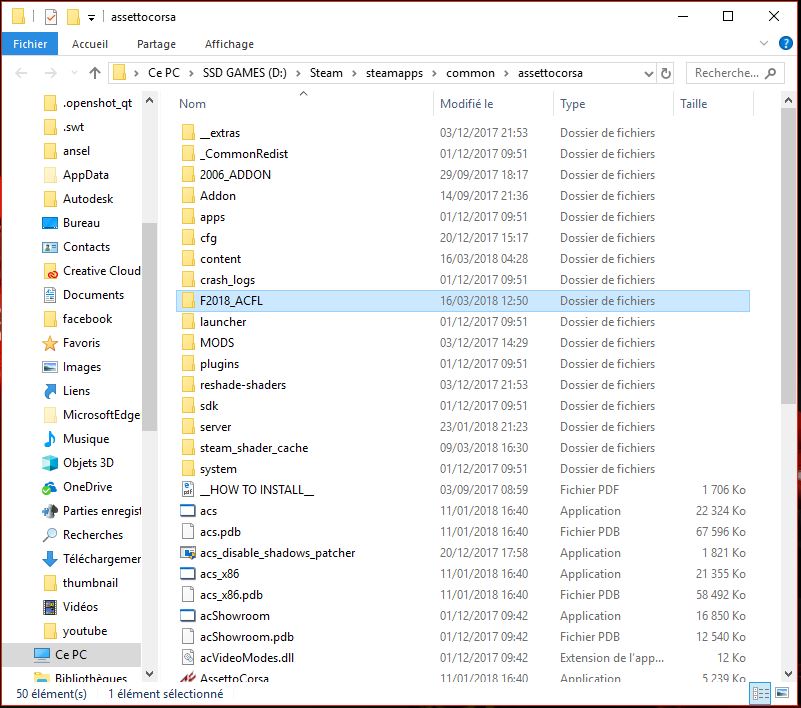
1/ allez dans votre dossier assettocorsa / go to your assettocorsa folder
2/ allez dans le dossier F2018_ACFL / go to the folder F2018_ACFL
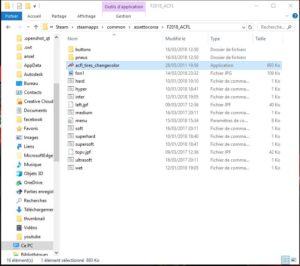
3/ faites un clic droit sur acfl_tires_changecolor et créé un raccourcis sur votre bureau / right click on acfl_tires_changecolor and create a shortcut on your desktop
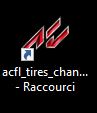
4/ allez sur votre bureau et exécutez le pour afficher la fenêtre / go to your desktop and run it to display the window
5/ cliquez sur les pneus de votre choix, c’est fait ? c’est installer. / click on the tires of your choice, it’s done? it’s installing.

6/ répétez l’opération 4 pour changer de nouveau l’apparence de vos pneus. / repeat step 4 to change the appearance of your tires again.